How to Reduce PDF File Size for Email Attachments Online
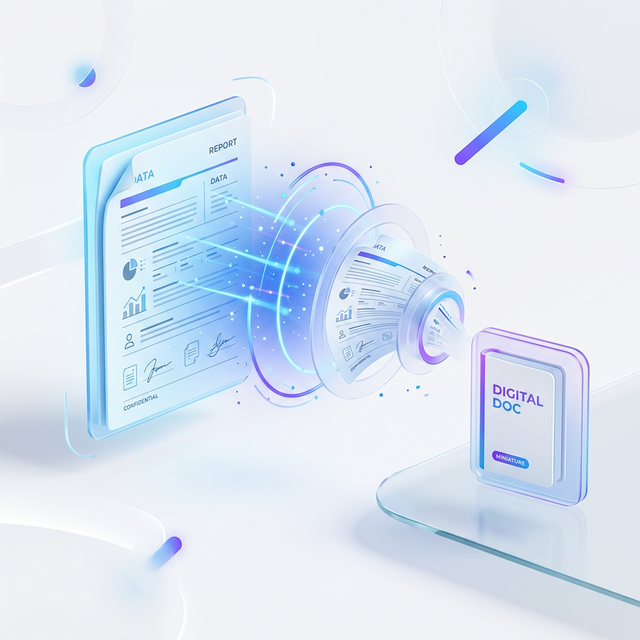
We've all been there: you've finished a high-stakes report, a beautiful portfolio, or a critical application, and you go to hit 'send' on that email. Then, the dreaded notification appears: "File size too large." Most email providers like Gmail or Outlook cap attachments at around 20MB to 25MB.
The good news is that you don't need to delete pages or lower the resolution of your images manually. In this guide, we'll show you exactly how to reduce PDF file size for email attachments online using PDFjin.
Why Do PDF Files Get So Big?
Before we jump into the "how," it's helpful to understand the "why." PDFs are a container for text, fonts, vector graphics, and high-resolution images. Often, the culprit for a massive file size is unoptimized imagery or embedded font data that scales the file size unnecessarily.
Organization Tip
Traditional compression methods often just "blur" images. PDFjin uses an intelligent optimization algorithm that re-samples images and removes redundant metadata without noticeably affecting visual quality.
Step 1 - Use a Dedicated Compression Tool
The fastest and most reliable method is to navigate to our reduce PDF file size for email attachments online tool. Unlike generic zip software, our tool understands the internal structure of a PDF and "cleans" it from the inside out.
Step 2 - Upload Your Large Document
Simply drag and drop your file into the secure upload area. Our platform uses end-to-end encryption, meaning your sensitive business or personal data is never seen by anyone else. Once uploaded, our server-side engine (powered by Google Cloud) begins the analysis.
Conclusion
Sending large attachments shouldn't be a source of stress. By knowing how to reduce PDF file size for email attachments online, you can keep your workflow moving and ensure your recipients actually receive your work.